
FlowDule for psychologists
Booking system for psychologists, with calm in every session.
Booking, journal, consent and video in one place. Confidentiality should be felt in everyday work, not just written in a data processing agreement.
This is what your everyday looks like in FlowDule.
For the self-employed psychologist and for the practice with several practitioners and clear roles. The practical side runs by itself, so you can be present in the session.
-
Consent as part of everyday work
The client's consent is recorded with a version and a log. It is part of the course of treatment, not a separate workflow.
-
Discreet communication
Confirmations, changes and reminders go out automatically. You can choose neutral SMS messages without the client's name and without the name of the service.
-
Write good journals without taking them home
Fixed templates for consultations, follow-ups and internal notes. Write the note, or dictate it.
-
AI helps, you decide
AI can help with structure, summaries and wording based on your template. It is always you who reads and corrects the journal and makes the professional decision.
-
A trail that can be followed
Corrections are made as dated addenda with the author, and the original is kept. Look-ups are logged, including refused ones.
-
Video with a personal meeting link
Online sessions are booked like any other service. The link comes with the reminder, and each participant gets their own link without public meeting IDs.
Health records are only kept for clients over 18.
A reminder that does not say too much.
An SMS may be read by others than the client. Switch on neutral SMS messages and see what is left out.
- The client's name
- The name of the service
- The appointment reminder
- Neutral SMS
- You can choose SMS messages without the client's name and without the name of the service.
- Channel and time
- The reminder goes out by SMS, email or both, at the time you choose.
Stylised illustration without real data.
One session, from booking to finished journal.
Follow the process before, during and after the session. The illustration changes with each step.
-
01Before
The client books by themselves
The client chooses a session and an available time online and gets confirmation straight away. If the client cannot come, the appointment is changed or cancelled after logging in.
-
02Before
A discreet reminder
The reminder goes out by SMS, email or both, at the time you choose. With neutral SMS messages, neither the client's name nor the service appears in the message.
-
03Before
Consent is in place
Consent is recorded on the client with a version and a log. Agreements and follow-up points from the last session are ready.
-
04During
The session, in the room or on video
The client joins via their personal link without logging in. You have the history and journal alongside, and from a computer you can share your screen for exercises and psychoeducation. Video meetings are not recorded.
-
05After
The note, written or dictated
Choose the template, and write or dictate the note while the session is fresh. The note can be written during or after the session, from the same booking.
-
06After
AI suggests, you correct
AI can make a draft from your template. You read and correct it before it is saved in the journal. Nothing is finalised or signed automatically.
-
07Afterwards
The trail remains
A finished journal is only changed with dated addenda. The access log records views, searches, downloads and refused look-ups, and the administrator can read it in FlowDule.
The modules psychologists use most.
All modules are included in the price. These five carry a psychology practice.
-
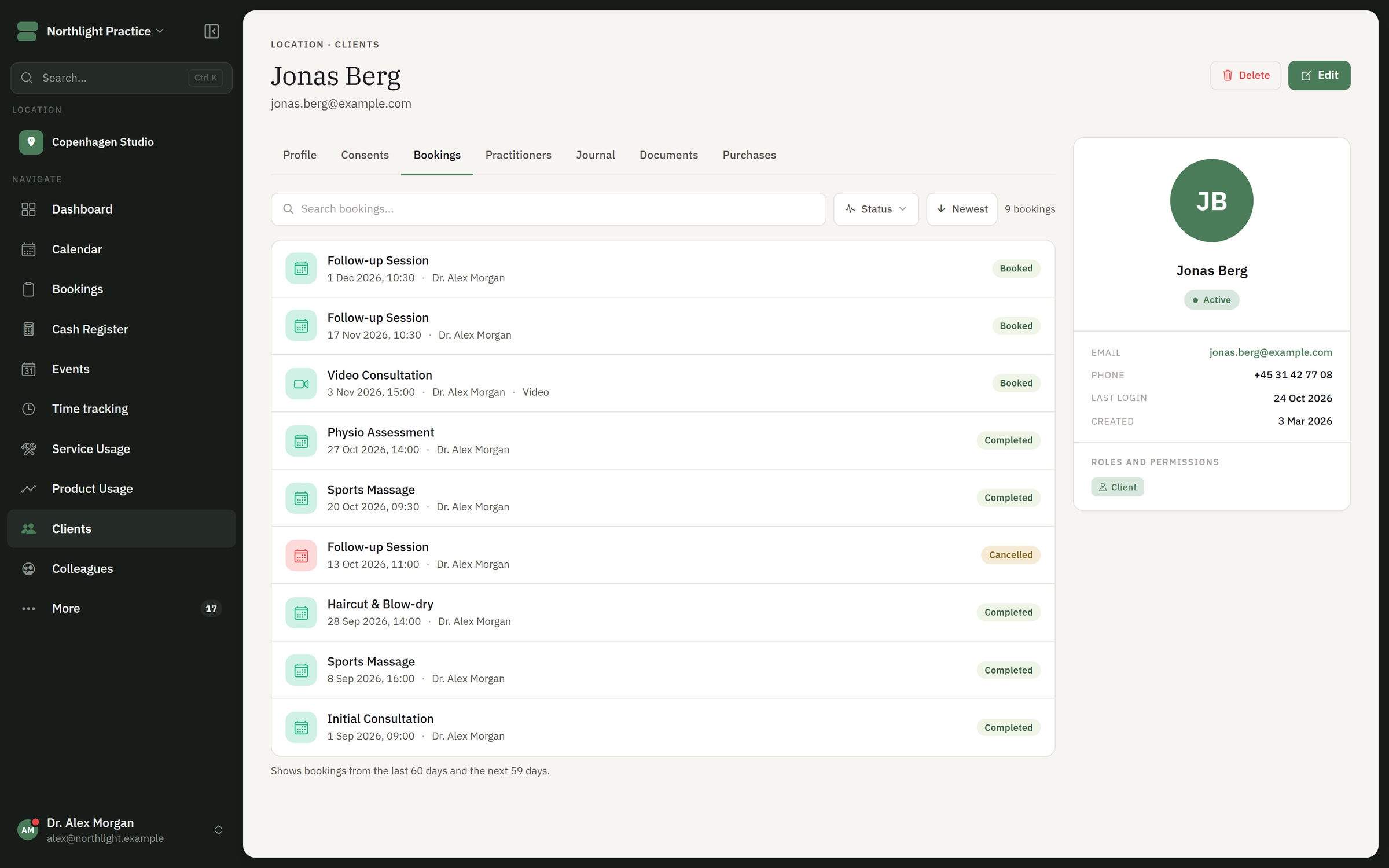
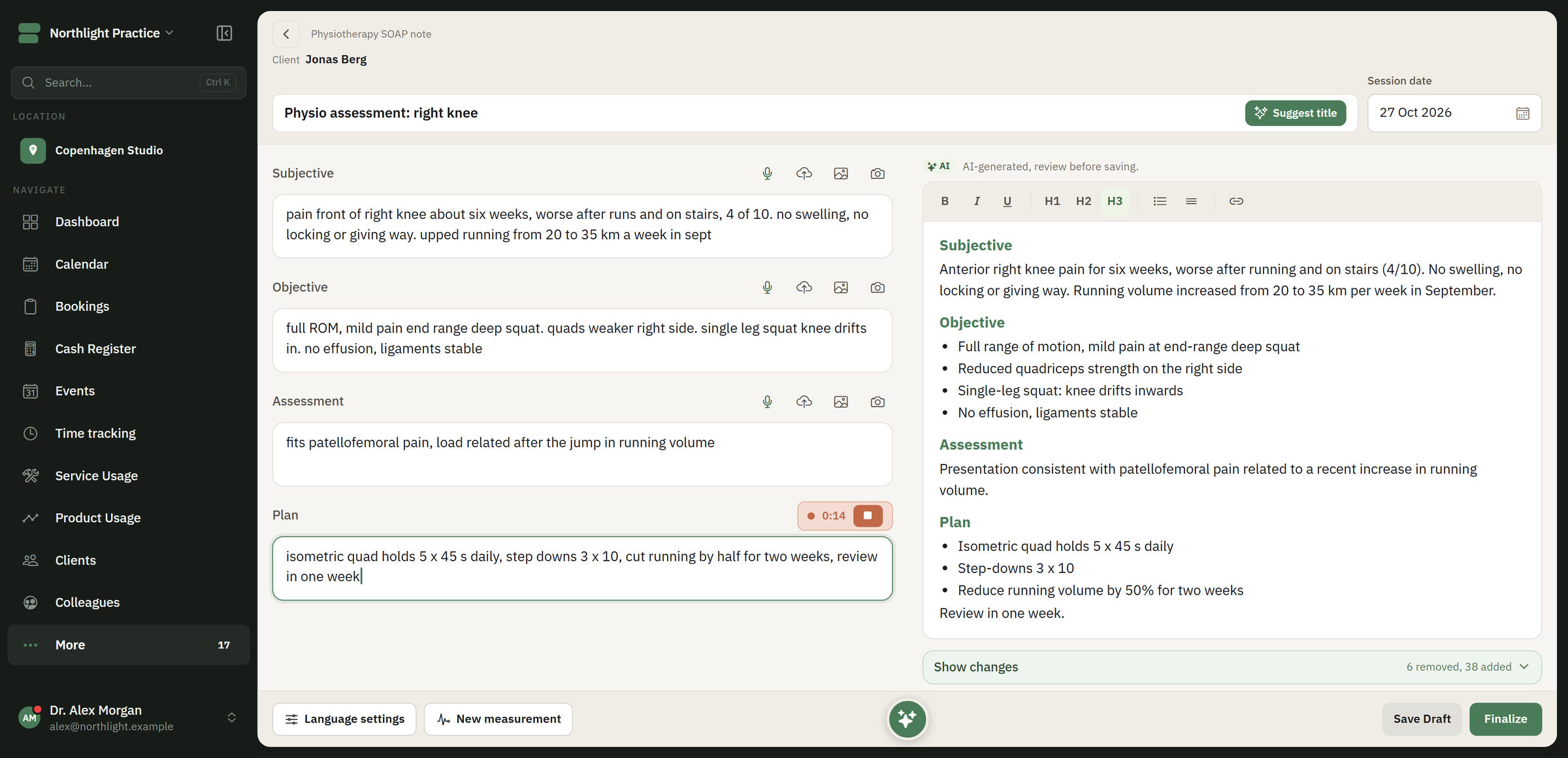 Core Journal Templates, dictation and AI drafts that you always read and correct. Corrections are kept as dated addenda. See Journal
 -
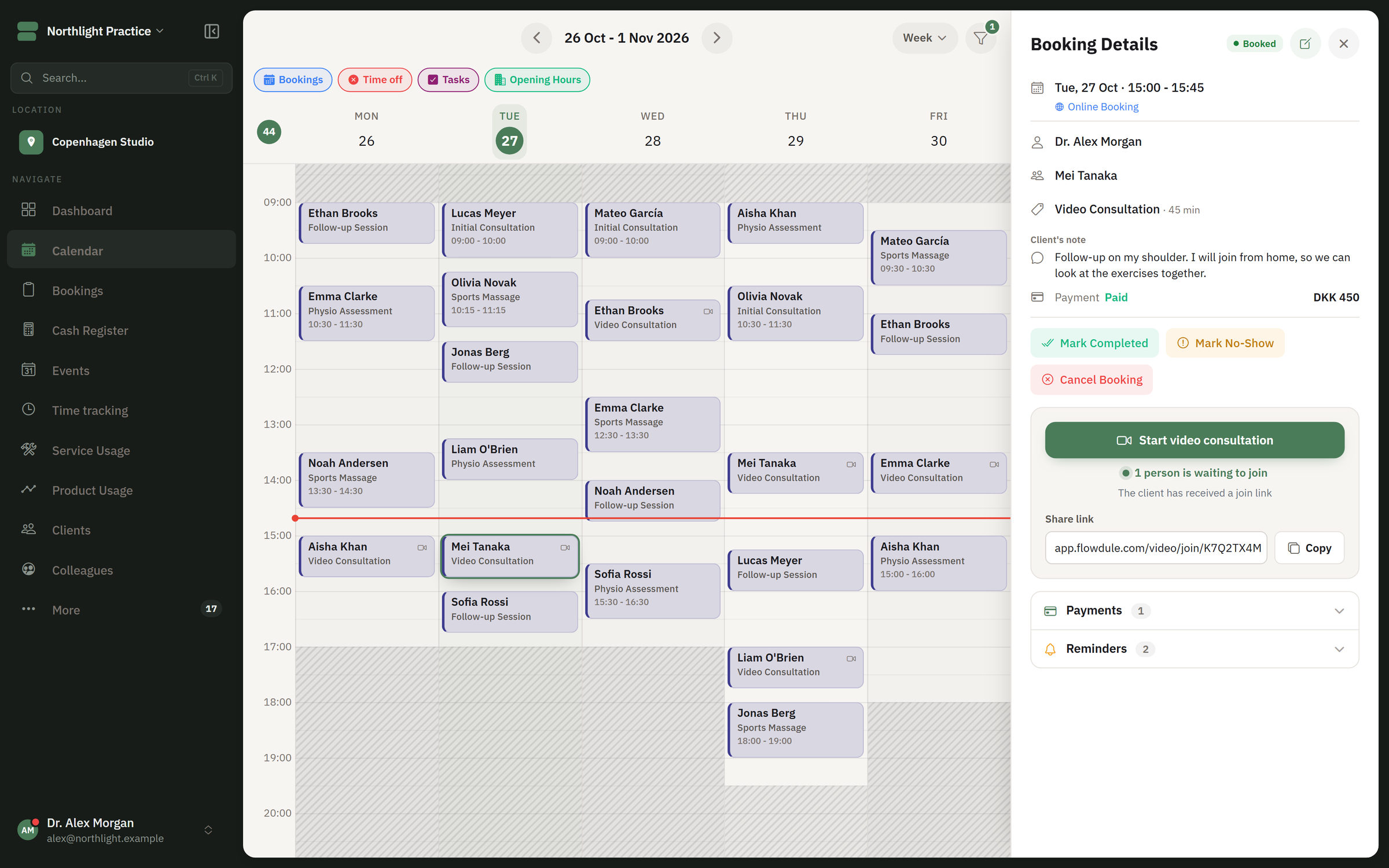 Operations Video Meeting link straight from the booking, personal to each participant. Good for follow-up sessions and clients with a long journey. See Video
 -
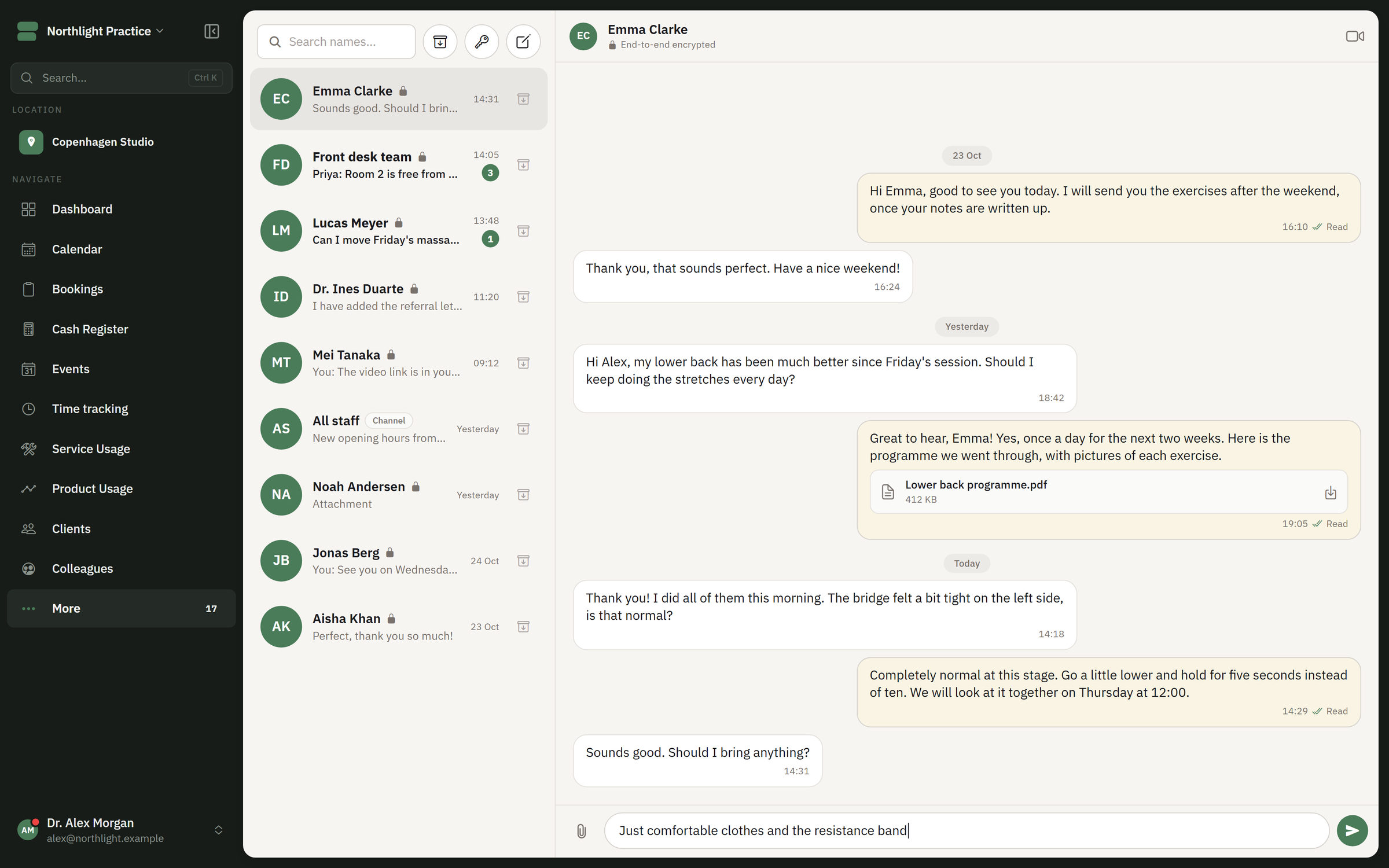 Operations Messages Encrypted messages to colleagues and clients, in the same system as the journal. See Messages
 -
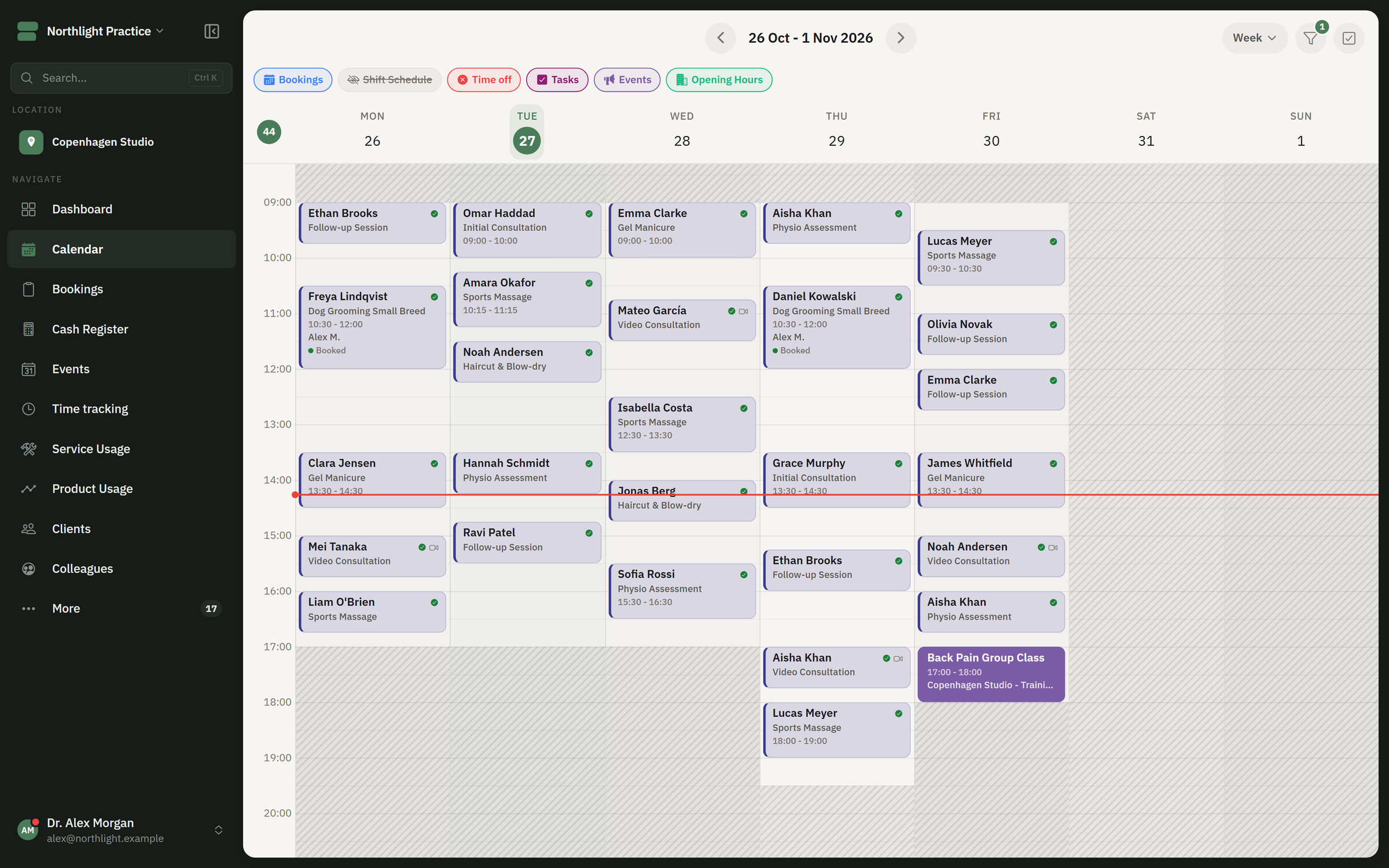 Core Booking & calendar The client books around the clock. Confirmations and reminders go out automatically by SMS, email or both. See Booking & calendar
 - Core Clients Contact details, appointments, notes and courses of treatment gathered on the client. Sensitive information can be restricted per role. See Clients
Security and GDPR for psychologists.
Here is the practical side. The Trust Center brings together the descriptions of security, access, logging and responsibility.
Read about security in the Trust Center- Encryption
- Sensitive journal fields are encrypted with AES-256 and keys that are separate for each business. Data is encrypted at rest and in transit.
- Separation
- Each business's data is kept apart from others'.
- Two-factor login
- The users in your practice can switch on two-factor login.
- Roles
- Access to journals is controlled per role. Reception, practitioners and management do not need the same access.
- Consent and export
- Consent is recorded with a version. A full export can only be ordered by an administrator, and the order is logged.
- Log and backup
- Access to journals is logged, and data is backed up.
One price per employee. All modules are included.
159DKK
per employee per month, excl. VAT
- Trial period
- 30 days free. No commitment. No credit card to get started.
- Included in the price
- All modules. SMS and AI are included with a monthly allowance per employee.
- As you grow
- Start alone, and expand with more practitioners, roles and locations without moving data to a new platform.